
Buy belly capacity when trips take longer
If a few sips already fill your belly, extra capacity lets you drain more water per trip. This is a good early buy when most of your time goes into walking back to the press.
Play Drink the Ocean free in your browser. Start with a straw, turn seawater into salt, and upgrade your gear as the shoreline recedes.
For more room on a phone, rotate to landscape.
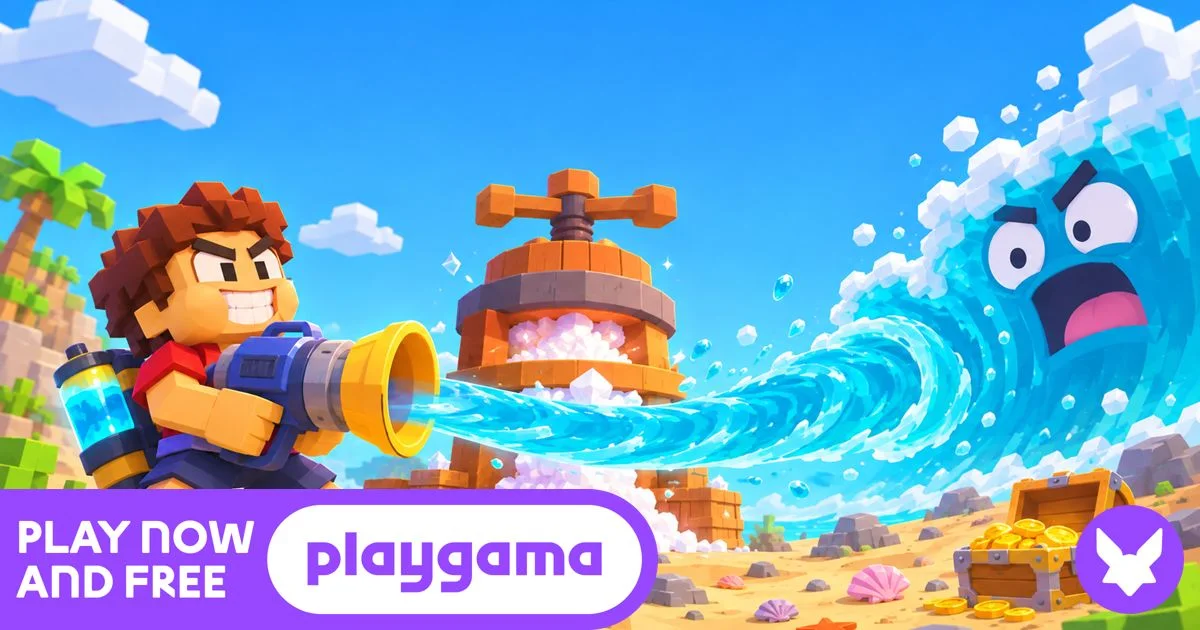
Open on PlaygamaDrink the Ocean is a first-person incremental game by Pinidi Studio. You walk to the shore and sip seawater, then carry it to the press to earn salt for upgrades. The belly meter shows how much water you’re carrying. The Ocean Drunk meter tracks how much you’ve removed as the sea recedes and exposes more of the seabed.
This independent site embeds the browser version from Playgama. Read about this site and its sources.
Homepage guide updated .
Playgama’s game guide describes three steps to get started.
Walk to the shore and aim at the water. Left-click to drink on desktop, or use the Drink button if it appears on your phone.
When your belly is full, turn toward the press marker and follow it. Stand under the press to empty your belly and earn salt for the shop.
Spend salt at the blue shop pad on belly capacity and better drinking tools. As the sea retreats, follow it to keep drinking and uncover the seabed.
Follow the beginner walkthrough for your first trip to the press.
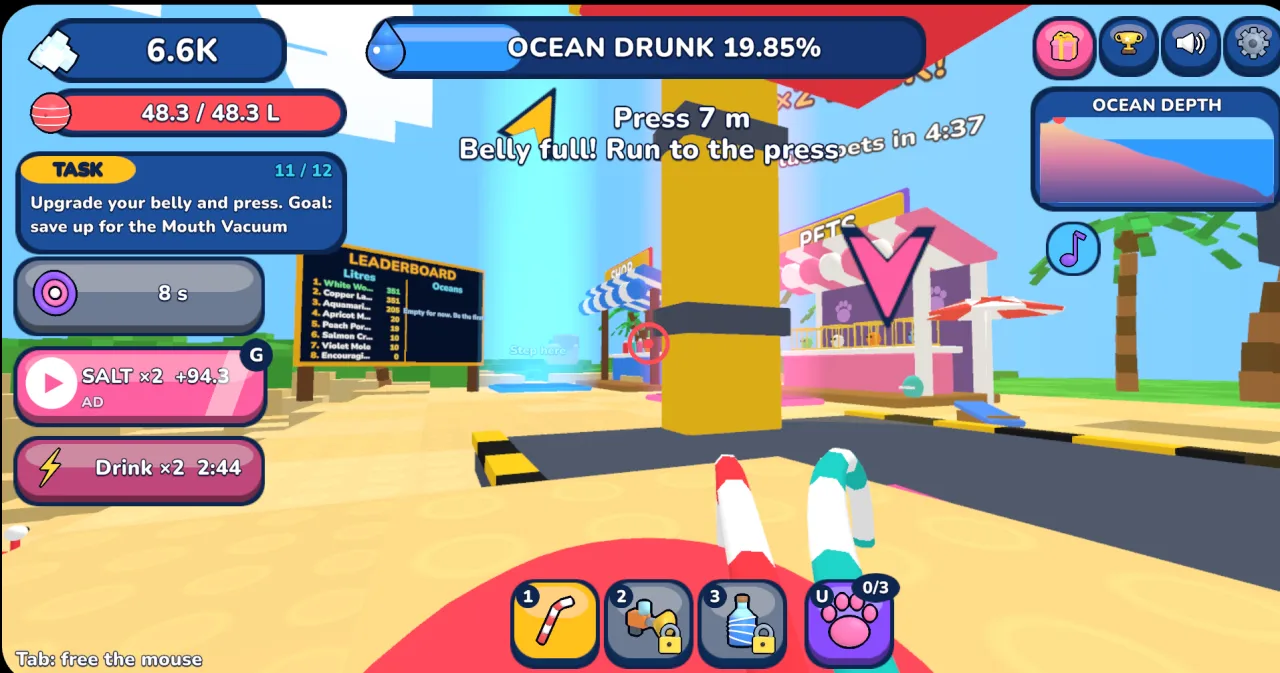
Belly full! Run to the press. The press marker shows 7 m to go. The Ocean Drunk meter reads 19.85%, the share of the ocean drained so far in this run.
If a few sips already fill your belly, extra capacity lets you drain more water per trip. This is a good early buy when most of your time goes into walking back to the press.
When you spend more time sipping than walking, save salt for a stronger drinking tool. Check the shop for the tools available in your run.
Turn with the mouse until the on-screen arrow points ahead. If the distance to the press or water grows, turn again. This saves time when the shoreline moves.
Compare early upgrade choices based on where you spend the most time.
Playgama’s guide says to drain the ocean until you can reach and pull the plug on the seabed. It lists cola, lemonade, slime, and lava as options for the next ocean.
Click inside the game to give it keyboard and mouse focus.
If the game shows touch controls, use the on-screen movement controls and hold the Drink button. See the desktop and mobile controls guide for help with focus and mouse capture.
Play Drink the Ocean here in your browser. Select Play now, then Let’s Play! in the Playgama player. The browser version is free to start and requires no separate download.
Try the browser player in landscape for more room. If touch controls are missing or clipped, try fullscreen or open the game directly on Playgama. See the touch controls guide.
We could not verify an official Steam listing for this version by Pinidi Studio. The Playgama browser version is available here without Steam.
If the player stalls, check your connection and select Reload below the game. If it still fails, try opening the game on Playgama. If the game loads but stutters, close other demanding tabs and try an up-to-date browser.
Click inside the game to give it focus, then move close enough to the water and aim down at the water. If the belly meter is full, empty it at the salt press first.
Use the same browser and device if you return. Save behavior depends on the Playgama player. Progress across browsers and devices is unverified. Private browsing or clearing site data may affect a save. You need an internet connection to launch the game on this site.
Select Reload below the game to relaunch the player. Reloading may resume saved progress. To start the next ocean after completing a round, pull the plug at the bottom.