 Drink the Ocean
TIME STOP
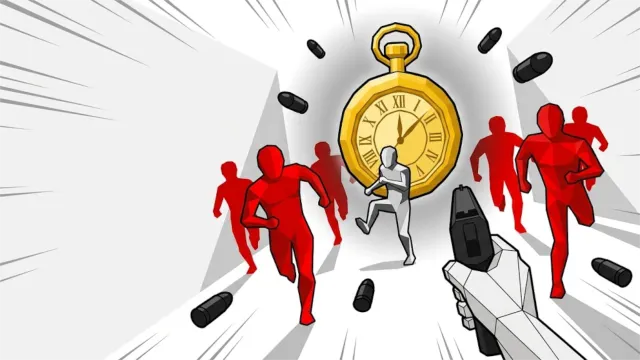
Clear each arena, take a perk, and move on to the next wave. Your main advantage is the ability to freeze time and act while enemy shots hang in the air.
For more room on a phone, rotate to landscape.
Game helpOther games to play
Browse all games
When to stop time
Use the ability when an incoming shot leaves you little room to move. While time is frozen, you can reposition, line up a shot, or pick up an enemy bullet and throw it. Give the ability time to recharge before relying on it again.
How to advance between arenas
Finish the waves in the current arena, choose a perk, and find the exit. If you keep getting blocked by shields, try getting around the enemy instead of shooting into the shield.
Desktop and phone controls
Use WASD and the mouse on desktop. Left click shoots or throws, F or right click stops time, and E picks up items. On phones, use the joystick, drag on the right to look, and use the action buttons.
Decide what to do before stopping time
Choose a purpose for each use of the ability. If a shot is blocking your route, plan where you can move once it freezes. If an enemy with a shield is blocking your aim, use the pause to reach its flank. If you already have space to sidestep, do that and save the ability for the next wave of pressure.
Try catching a single frozen projectile in a quieter part of the arena. This gives you time to practice the pickup and throw sequence before relying on it when several enemies are present.
What if the player stays blank?
Select Reload below the player. Follow the prompt inside Playgama when it appears. On a phone, rotate to landscape or try fullscreen for more room.
Pinidi Studio developed the game. Playgama provides the player and documents the controls. Playgama game listing.